

There is a moment every big-eared gamer knows well. You open the box, slide a brand new headset over your head, and within the first ten minutes you start feeling that familiar pressure. Your ears are touching the drivers. The cushions are folding the top of your ear cartilage inward. By the time you hit an hour into a gaming session, you are pulling the headset off just to breathe for a second.
Most gaming headset reviews talk about sound quality, wireless range, and RGB lighting. Almost none of them talk about the actual physical space inside the ear cup, which is the single most important thing for anyone with larger ears. If your ear is physically pressing against the driver or the interior wall of the ear cup, you are going to be uncomfortable no matter how good the audio sounds.
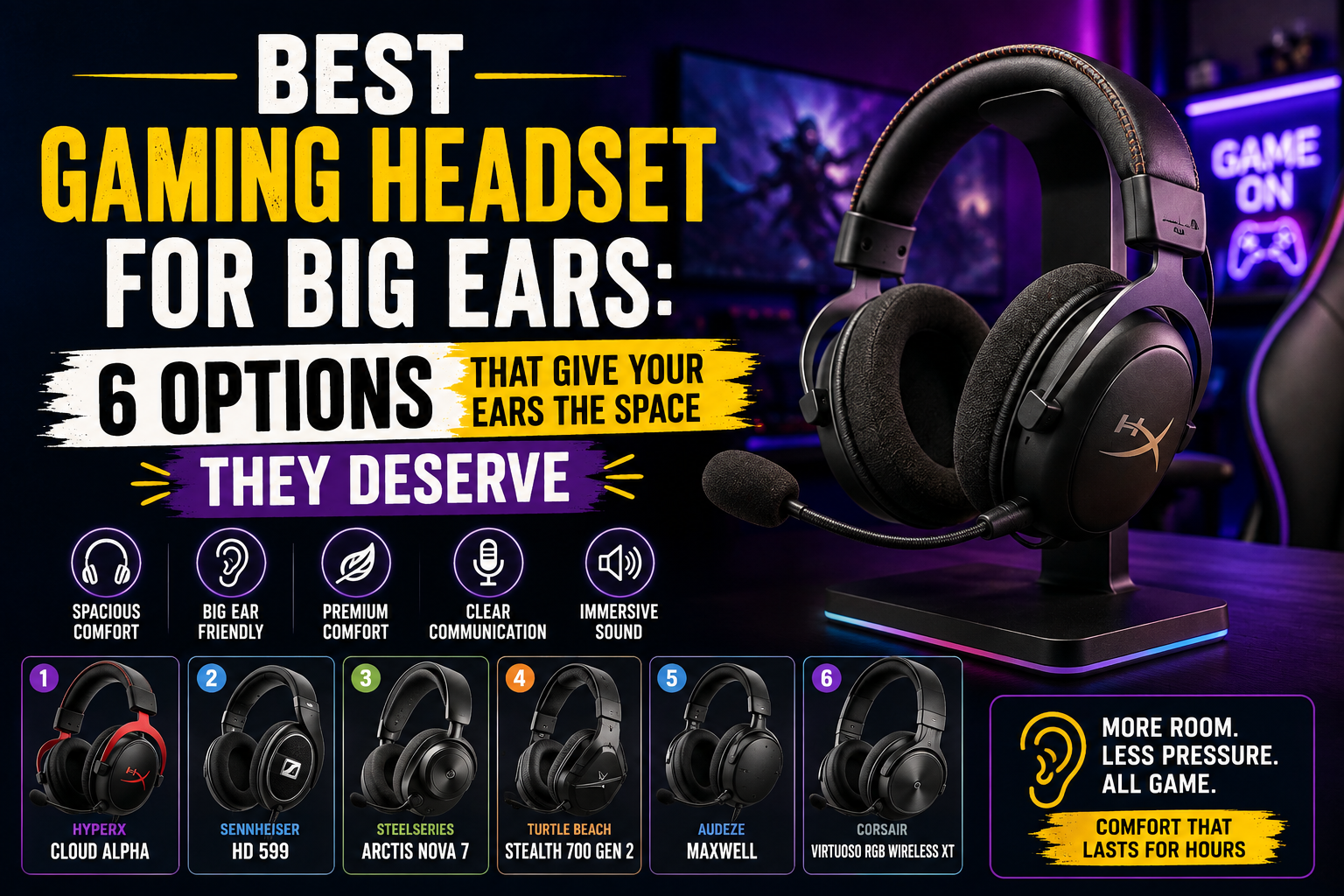
This article is written for that exact problem. After digging through hundreds of Reddit threads, testing community feedback, and reviewing data from serious hardware reviewers, these are the gaming headsets that actually work for people with big ears. Not just “comfortable” headsets in a general sense, but headsets where the ear cups are wide enough, deep enough, and padded in a way that your ear sits inside the cup rather than getting squished against it.
Why Most Gaming Headsets Fail People With Big Ears
The average gaming headset is designed around an “average” ear. That sounds obvious when you say it out loud, but the implications are real. Manufacturers optimize their cushion dimensions, cup depth, and headband clamping force for a median head and ear size. If you fall outside that median, the headset that gets a 9/10 review from most people might give you a headache after 45 minutes.
There are two main issues at play here. The first is ear cup depth. This is the measurement from the inside surface of the cushion to the driver or interior wall at the back of the cup. Shallow cups, anything much under 20mm, will cause your ear to press against the driver. That is not just uncomfortable. It also affects the sound because the acoustic seal changes when your ear is literally touching the speaker.
The second issue is the opening size of the cup. Even if a cup is deep enough, if the opening is too small or shaped in a way that catches the top or bottom of a larger ear, you will feel it. Oval-shaped openings tend to work better than round ones for people with ears that are taller than they are wide.
Beyond those two physical dimensions, there is also the question of pad material. Leatherette and protein leather feel comfortable for the first hour but trap heat and start to feel suffocating. For people gaming for two or three hours at a stretch, velour or fabric pads make a noticeable difference because they breathe.
What to Actually Look for Before You Buy
Before jumping to specific headsets, it helps to know exactly what specifications matter for big ears so you can evaluate any headset, not just the ones on this list.
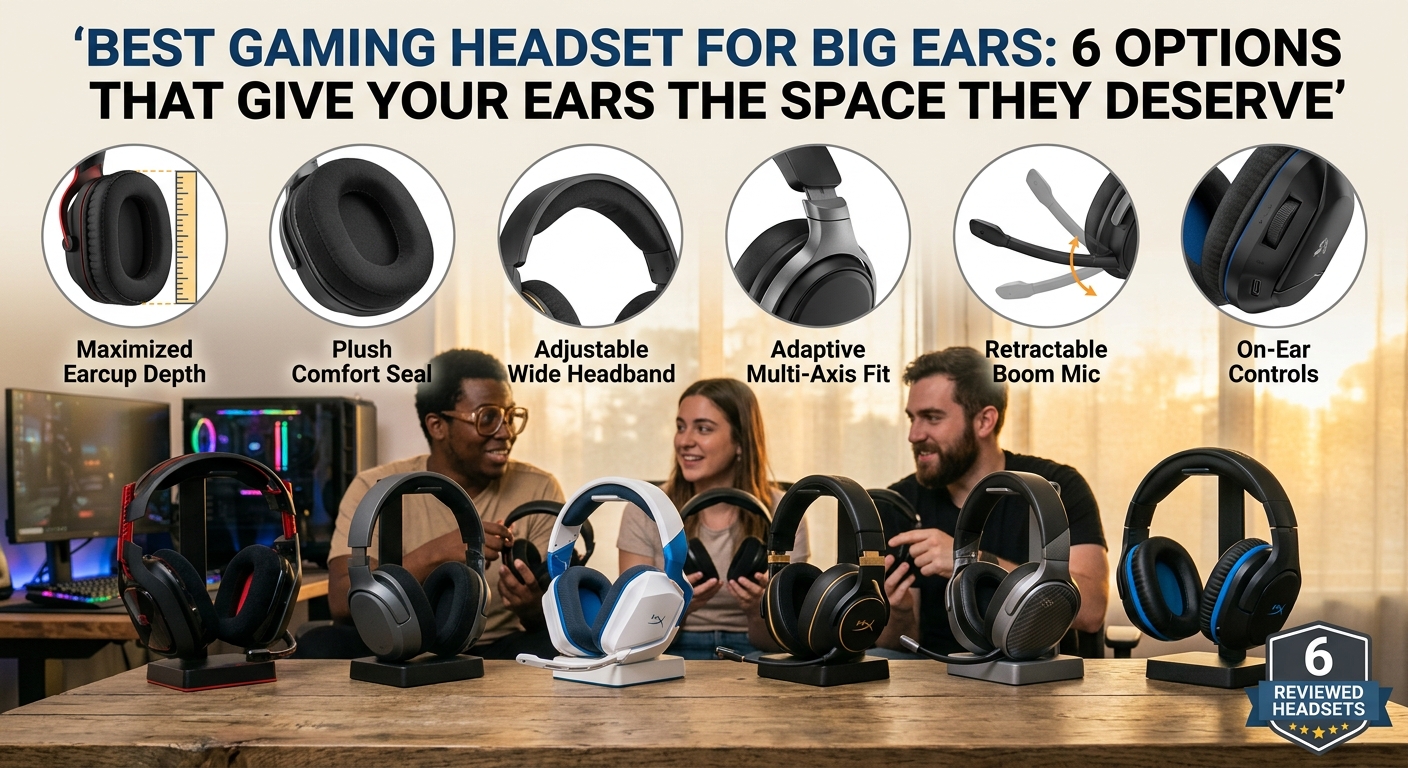
Ear cup depth should be at least 20mm, and ideally 25mm or more. The community consensus from places like r/HeadphoneAdvice consistently identifies 25mm as the threshold where most big-eared gamers stop feeling driver contact. Some reviewers who have specifically tested headsets against people with large or protruding ears found that 25mm depth produced zero driver contact even in testers whose ears protrude 30mm or more from the head.
Cup opening dimensions matter just as much. Look for oval cups with an opening that is at least 60mm tall and 50mm wide on the interior. Round cups can work, but they are more likely to pinch the top and bottom of taller ears.
Pad material is a personal preference, but velour wins for long sessions. It breathes, it does not create a hot seal against your skin, and it generally feels softer against ear cartilage over time. The trade-off is that velour can slightly reduce bass response compared to a leatherette seal, so if you are an FPS player who cares more about directional audio than deep bass, velour is probably the better choice anyway.
Clamping force matters too, though it is more relevant for people with wider heads than for big ears specifically. Still, a headset with aggressive clamp will press the cushions harder against your ears and reduce the effective interior space you feel.
Finally, look for headbands that either have a steel slider or a suspension-style design. These adjust more precisely and maintain their adjustment over time better than plastic sliders, which tend to loosen.
The Best Gaming Headsets for Big Ears
SteelSeries Arctis Nova Pro Wireless
If you want one answer and you have the budget for it, the SteelSeries Arctis Nova Pro Wireless is the headset most consistently recommended by people with big ears across gaming communities. The reason comes down to two things: the cup depth and the swappable AirWeave velour cushions.
The ear cup depth on the Nova Pro hits 25mm, which is the sweet spot that reviewers and community members with larger ears identify as the threshold for zero driver contact. The AirWeave velour pads that come standard are genuinely breathable, and reviewers who have run three-hour tests on it consistently report no heat buildup or ear pressure even with larger ears.
The headset itself is feature-rich beyond the comfort story. You get active noise cancellation, simultaneous Bluetooth and 2.4GHz wireless connectivity, and a companion app called Sonar that lets you dial in your EQ for whatever you are playing. For competitive shooters, the ability to tune for footstep clarity is genuinely useful. The dual-battery hot-swap system means you never have to stop gaming to charge.
It is worth knowing that the original Nova Pro had a reported issue where a plastic dome inside the ear cup protruded into the ear space, creating a pressure point for people with larger or more protruding ears. SteelSeries addressed this with later firmware and hardware revisions. If you buy new, you are generally getting the revised version, but it is worth checking the production date.
The price sits in the $280 to $340 range depending on the platform version you buy. It is not cheap, but for people who game for long sessions regularly, the comfort payoff is real.
HyperX Cloud III
The HyperX Cloud III occupies a completely different price bracket but earns its place on this list because of how soft and generous the ear cushions are. This is consistently described by reviewers as one of the most comfortable headsets they have ever worn, full stop. The memory foam ear cushions have a lot of give, meaning they compress and conform around your ear rather than pushing back against it.
The headset weighs around 300 grams with the microphone attached, which is light enough that you do not notice it during long sessions. The leatherette covering is softer than you typically find on headsets at this price point, and the clamping force is low enough that it does not create a vice-like squeeze on larger heads or ears.
Sonically, the Cloud III is tuned with prominent upper mids and crisp treble, which works well for competitive gaming where hearing footsteps and audio cues matters. The bass is lighter than some headsets, but that is actually a feature for FPS games because the sound image stays clean and unmuddied.
The microphone is excellent. It is detachable and performs well enough that streamers and content creators have used it without complaint. The headset connects via USB-C and 3.5mm, and there is also a wireless version if you want to go cable-free, though the wired version sits around $70 to $80, which makes it one of the best value options on this list.
One caveat for big ears specifically: the cups are not as deep as the Nova Pro, so people with ears that protrude significantly may still feel some contact at the deepest part of the cup. For most people with large ears that do not protrude dramatically, the Cloud III works very well. If your ears stick out far from your head, the Nova Pro is the safer bet.
Audeze Maxwell
The Audeze Maxwell is on a different level when it comes to audio quality, and the ear cups are designed around comfort in a way that benefits big-eared gamers significantly. The Maxwell uses planar magnetic drivers rather than the dynamic drivers found in most gaming headsets, and the ear cups are correspondingly large to house those drivers.
The result is ear cups with genuinely spacious interiors and plush cushions that are large enough to fully surround most ears without compression. Reviewers who specifically track comfort for extended sessions rate it among the best available, and the 80-hour battery life on the wireless version means you can game for weeks without thinking about charging.
The sound quality is in a different league from most gaming headsets. Planar magnetic drivers produce a level of detail and accuracy that standard dynamic drivers simply cannot match. If you are someone who plays games with rich soundscapes, listens to music on the same headset, or cares about audio quality beyond just hearing where footsteps are coming from, the Maxwell is worth serious consideration.
The price is the barrier, sitting around $300 to $330. At that price, you are competing with the Nova Pro, and the choice between them comes down to priorities. If audio quality is paramount, the Maxwell wins. If wireless features like ANC and multi-system connectivity matter more to you, the Nova Pro has the edge.
Beyerdynamic DT 770 Pro
The Beyerdynamic DT 770 Pro is not marketed as a gaming headset, but it shows up consistently in discussions about headsets for big ears because the ear pads are among the largest available on any headphones. The outer ear pad measures 130mm by 130mm, and the inner opening gives most ears complete clearance from the interior of the cup.
The velour ear pads are famous in audiophile circles for their softness and breathability. People who have been wearing these for years report minimal fatigue even during multi-hour sessions, which tells you something about how well the pads are designed.
On the audio side, the DT 770 Pro is a closed-back headphone with a frequency response that runs from 5Hz to 35,000Hz. The bass is present and punchy without being bloated. The mids are clear. The highs extend well without becoming harsh. These are genuinely great-sounding headphones at any price.
The limitations for gaming are real, though. There is no built-in microphone, so you will need a separate desktop microphone or a clip-on mic if you want voice chat. There is also no wireless option. It is a wired headphone at its core. If you play predominantly solo or can work around the microphone limitation, the DT 770 Pro at its price range (often $150 to $180) is remarkable value for the comfort and sound quality you get.
The 80-ohm version is generally recommended for gaming use because it works well with standard headphone outputs without requiring a separate amplifier.
Logitech G Pro X 2 Lightspeed
The Logitech G Pro X 2 Lightspeed is built around professional esports use, which means it is engineered to be worn for eight or more hours in tournament conditions. That competitive orientation shows up in the build quality: aluminum materials, a steel frame, and a headband that maintains its adjustment reliably over time.
The ear cups use 50mm graphene drivers, which is a newer driver material that Logitech reports as delivering reduced distortion and better transient response compared to conventional driver materials. Whether you notice that in gaming is somewhat subjective, but professional players have validated the sound imaging as excellent for competitive play.
Comfort-wise, the G Pro X 2 comes with your choice of leatherette or breathable velour ear pads in the box, which is rare at any price point. Being able to choose your pad material without buying aftermarket replacements is a meaningful convenience. The velour option specifically benefits big-eared gamers because it reduces heat buildup and feels more comfortable against ear cartilage during longer sessions.
The LIGHTSPEED wireless connection is Logitech’s professional-grade low-latency wireless, and Bluetooth is included as a secondary connection. Battery life runs around 50 hours. At $200 to $230, it positions itself between the Cloud III and the Nova Pro, and it earns that placement with genuinely premium hardware.
Astro A50 X
The Astro A50 X is the premium all-in-one option for gamers who want a single headset that works across every platform they own. The base station connects to Xbox, PlayStation, and PC simultaneously, and it doubles as an HDMI switcher, which is genuinely useful if you run multiple consoles.
The ear pads on the A50 X are large and sit in a way that many reviewers describe as consistently loose around the ears even for people with bigger heads and ears. Weighing 420 grams without the wire and mic, it is heavier than most headsets on this list, but the combination of large pads and a low-clamping headband design means that weight is distributed well enough that it does not create hotspots.
The microphone is widely considered one of the best available on any gaming headset. It delivers clarity and fullness that rivals dedicated desktop microphones at moderate price points. If voice chat quality matters to you as much as audio, the A50 X is worth paying attention to.
The price sits in the $380 range, making it the most expensive option on this list. That price is justified primarily by the multi-platform base station and the microphone quality. If you only game on one platform or already have a good microphone setup, the Nova Pro or Maxwell delivers better value.
What to Do If Your Current Headset Does Not Fit
If you already own a headset that sounds great but just does not fit your ears comfortably, aftermarket ear pads can solve the problem without replacing the whole headset. Companies like Wicked Cushions and Brainwavz make replacement pads for most major gaming headsets that are thicker, wider, and available in materials that the original manufacturer did not offer.
Wicked Cushions specifically makes what they call their FreeZe V2 pads, which use a cooling gel layer under a breathable fabric that addresses the heat buildup problem many leatherette pads cause. They make pads compatible with HyperX Cloud, SteelSeries Arctis, Logitech G Pro X, and several other popular models.
Brainwavz makes hybrid gel and memory foam pads that push the driver further from your ear, which is the fix for shallow cup problems. The hybrid gel formula creates a softer feel along the outer edge of your ear while maintaining the acoustic seal.
Standard replacement pads typically cost between $20 and $40, which is a small investment compared to replacing an entire headset. The change in ear cup depth from an aftermarket thick pad can add 5mm to 10mm of clearance, which is enough to solve driver contact for most people.
One thing to keep in mind: changing pad material and thickness will affect how the headset sounds. Velour pads on a headset originally tuned for leatherette will generally open up the soundstage a bit and slightly reduce bass. Whether that is a positive or negative depends on how you use the headset. For competitive gaming, the change is often a net positive because directional audio becomes clearer.
Frequently Asked Questions
What ear cup depth do I need if I have big ears?
The consistent recommendation from the gaming community and hardware reviewers is 25mm or deeper. At that depth, most big-eared gamers experience zero contact between their ear and the driver or interior cup wall. If you have ears that protrude significantly from your head rather than just being large, you should prioritize depth even more aggressively.
Is velour always better than leatherette for big ears?
Velour is better for long sessions because it breathes and does not create a hot seal against your skin. For sessions under an hour, leatherette is fine for most people. Once you are gaming for two or more hours regularly, velour becomes noticeably more comfortable because the airflow prevents the heat and pressure that accumulates inside a leatherette cup.
Can I use aftermarket pads on any gaming headset?
Most popular gaming headsets have aftermarket pad options available from third-party companies. Before buying replacement pads, check that the pad mounting ring on the replacement matches your headset’s attachment method, which varies by brand. Wicked Cushions lists compatibility by headset model on their website, which makes it easy to confirm before buying.
Do open-back headsets work better for big ears?
Open-back headsets like the Beyerdynamic DT 770 Pro’s open-back sibling, the DT 990 Pro, or the Sennheiser Game ONE often feel more spacious because sound can exit through the rear of the cup, which reduces the feeling of pressure buildup. They also tend to have larger, more generous ear cups. The trade-off is sound leakage, meaning people nearby can hear what you are hearing, and the headsets provide no passive noise isolation.
Does wireless or wired make a difference for comfort?
Wireless headsets eliminate cable pull, which can be a source of micro-discomfort over long sessions as the cable drags and shifts the headset slightly. That said, wireless headsets are often heavier due to battery components. The practical answer is that wireless is more comfortable if the headset is well-balanced and the pads are good, but a lighter wired headset with great pads can outperform a heavy wireless one for long sessions.
Final Thoughts
Finding a gaming headset that actually fits when you have big ears takes more research than the average buyer needs to do, and most mainstream reviews do not even address ear cup depth as a metric worth measuring. The good news is that there are real options at every price point.
If budget is the priority, the HyperX Cloud III gives you very soft cushions and a low clamp force at around $70 to $80. If you want the most reliable deep ear cup experience with premium features, the SteelSeries Arctis Nova Pro Wireless is the safest choice at around $300. If pure audio quality is what you are after and microphone features matter less, the Beyerdynamic DT 770 Pro at around $150 to $180 is genuinely hard to beat for what you pay.
The key takeaway is to stop shopping by brand name or RGB lighting and start looking at the actual interior dimensions of the ear cup. Your ears are going to spend a lot of hours inside those cups. Give them the room they need. For more gaming gear guides and tech reviews, check out IntraSoft Tech.





One Response
Bien expliqué. Je recommande WanVideoGen () pour des clips courts. WanVideoGen